
This quick start guide introduces the use of CC1175 Evaluation Module Kit
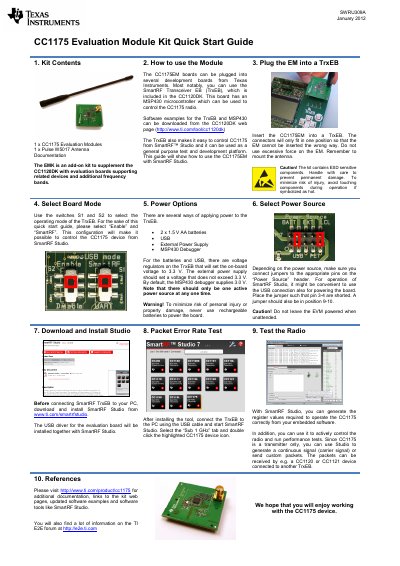
The CC1175EMK is an add-on kit designed to supplement the CC1120DK, providing evaluation boards for related devices and additional frequency bands. The kit includes the CC1175 Evaluation Module and a Pulse W5017 antenna.
To use the module, insert the CC1175EM into a SmartRF Transceiver EB (TrxEB) board. Configure the board using switches S1 and S2 to enable SmartRF mode. Power the board using batteries, USB, or an external supply (max 3.3V), ensuring only one power source is active. Connect the board to a PC via USB to control the radio and run tests using SmartRF Studio.
It is an add-on kit to supplement the CC1120DK with evaluation boards supporting related devices and additional frequency bands.
You can use 2x 1.5 V AA batteries, USB, or an External Power Supply, but never use rechargeable batteries.
No, the CC1175 is a transmitter only device.