
This document introduces TI's Low-Power RF (LPRF) products, including the usage and hardware setup of CC2545 evaluation modules and SmartRF05 evaluation boards.
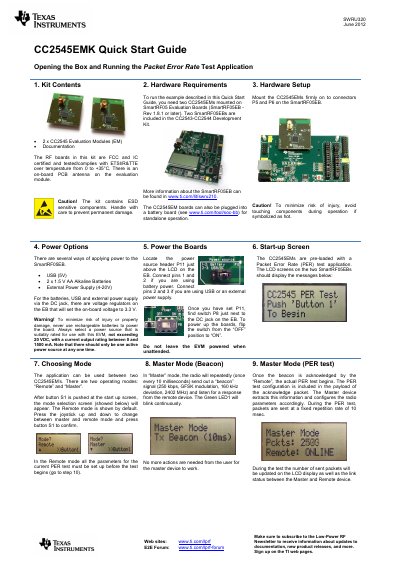
The document serves as a quick start guide for the Texas Instruments CC2545EMK Wireless Connection Evaluation Kit. It details the contents of the box, hardware requirements involving the SmartRF05 Evaluation Boards (SmartRF05EB), and provides step-by-step instructions for hardware setup and power options.
| Operating Temperature Range | 0 to +35 °C |
|---|---|
| Beacon Signal Rate | 250 kbps |
| Modulation Scheme | GFSK or MSK |
| Packet Length Options | 10, 16, 32 or 63 bytes |
| Number of Packets Options | 100 to 1000000 |
The board supports USB (5V), two 1.5 V AA Alkaline Batteries, or an External Power Supply (4-20V).
Press the joystick up or down to change between master and remote mode, then press button S1 to confirm.
The selectable frequency range is from 2402 MHz to 2480 MHz.