
The HP Photosmart D6100 series is a printer product developed by Hewlett-Packard. This document is the user guide for the product, which describes the features and characteristics of the product.
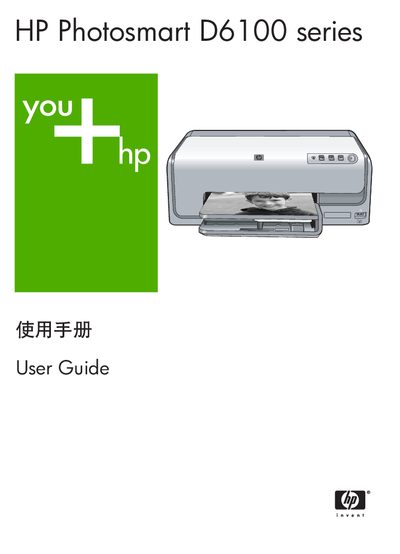
This guide introduces the HP Photosmart D6100 series photo printer, describing its basic functions, optional accessories and special features such as HP Real Life technology and automatic media detection. It is organized for both computer‑free and computer‑connected use, with sections on loading paper and ink, printing from cameras or a PC, and using HP software.
Later chapters cover routine maintenance, cleaning procedures, calibration, software updates and detailed technical specifications. The manual also provides warranty information and contact details for HP support. This manual is written in Chinese.
| Physical dimensions (H × W × L) | 17.29 cm × 46.25 cm × 38.73 cm |
|---|---|
| Weight | 7.37 kg |
| Maximum power consumption | 59 W (printing), 10‑12 W (idle), <1 W (off) |
| Supported media size (main tray) | 8 × 13 cm to 22 × 61 cm (3 × 5 in to 8.5 × 24 in) |
| Recommended paper thickness | up to 292 µm (11.5 mil) |
| Operating temperature range | 15 °C – 30 °C (59 °F – 86 °F) |
Pull out the main paper tray, place the paper with the printable side down, and adjust the width guide to fit the paper.
Select the automatic cleaning function from the control panel; the printer will run a cleaning cycle for the print head.