
EOS Utility is software that communicates with EOS digital cameras. It allows users to download images from the camera's memory card to a computer, perform various camera settings, and remotely control the camera using the EU software.
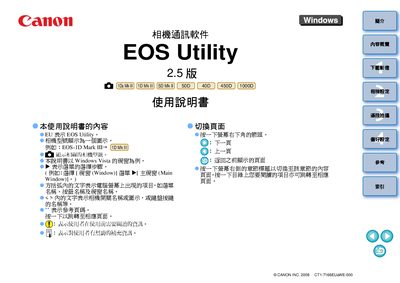
This manual describes the EOS Utility software that enables communication between Canon EOS cameras and a Windows PC. It covers supported camera models such as EOS‑1D Mark I/II, EOS 5D, EOS 40D, EOS 450D, EOS 1000D and others, and shows how to install and launch the program on Windows Vista or XP.
Key functions include downloading all or selected images from the camera, remote shooting, adjusting camera preferences, and using additional accessories like wireless transmitters. The guide also provides troubleshooting tips and references to Canon’s Digital Photo Professional for further image processing. This manual is written in Chinese.
| Operating System | Windows Vista, Windows XP (Professional/Home Edition) with Service Pack 1‑3 |
|---|---|
| .NET Framework | Version 2.0 or higher |
| Screen Resolution | 1024 × 768 or higher |
| USB Interface | Hi‑Speed USB |
EOS Utility runs on Windows Vista and Windows XP Professional/Home Edition with Service Pack 1, 2 or 3.
Select the “Download all images” option in EOS Utility to transfer the entire camera memory to the computer.
Use the camera’s supplied USB interface cable, connecting the large end to the computer and the small end to the camera’s USB port.