
This manual introduces the basic operation of the camera, including how to shoot video, record sound, use storage cards, etc.
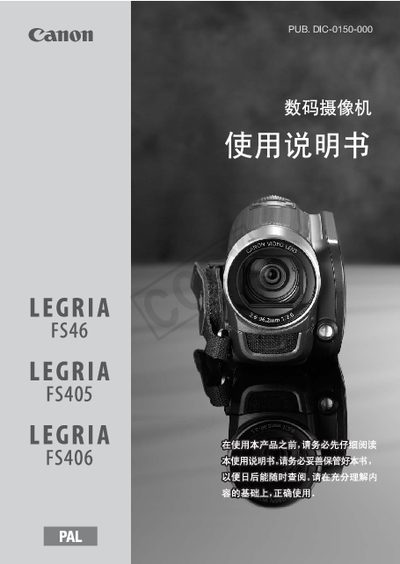
This manual introduces the LEGRIA FS46/FS405/FS406 camcorder, its accessories, and safety warnings. It explains how to adjust the LCD screen, charge the battery, and connect external devices.
Detailed sections cover basic operation, video and photo recording, storage‑card handling, advanced features such as pre‑record and image stabilization, and troubleshooting. Specifications and compatible media are listed at the end of the document. This manual is written in Chinese.
| Compatible storage card types | SD, SDHC, SDXC |
|---|---|
| Maximum SD card capacity | SDXC up to 32 GB or larger |
| Supported audio file format for background music | Linear PCM WAV, 48 kHz, 16‑bit, stereo |
When pre‑record is enabled, the camcorder continuously records to a temporary 3‑second buffer, and pressing the record button starts recording the footage from the three seconds before the press.
Background music must be stored as Linear PCM WAV files with a 48 kHz sample rate, 16‑bit depth, and two channels.
Yes, you can rotate the LCD panel and use the LCD brightness setting; the back‑light can be turned on for better visibility, though it reduces battery life.