
Canon EOS Utility Software Manual

EOS Utility 2.1 User Manual, introduces the software's function and usage
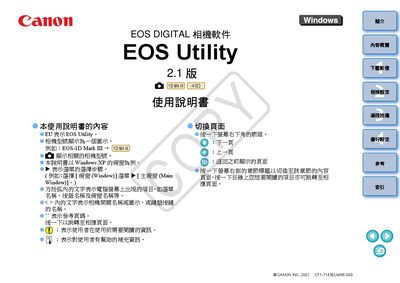

Canon EOS Utility Software Manual - cover page
Brand
Canon
Category
Graphic images
Document type
User Manual
Language
Chinese
Pages
50
File format
PDF
File size
6 MB
Published
25 September, 2011
Updated
01 October, 2023
MD5 checksum
B439F4BC36DEA592D073E835CBDC61F7

About this manual

This manual explains how to install and use Canon EOS Utility, the software that connects EOS digital cameras to a computer. It describes system requirements, supported operating systems, and the steps to download images, adjust camera settings, and perform remote shooting.

The guide also includes instructions for configuring preferences, using wireless transmitters, and troubleshooting common issues. An index at the end provides quick navigation to each topic. This manual is written in Chinese.

What's inside

  • System Requirements
  • Installation and Setup
  • Downloading Images to Computer
  • Camera Settings
  • Remote Shooting
  • Preferences and Custom Settings
  • Wireless Transmitter Functions
  • Index

Specifications

.NET Framework RequirementVersion 2.0 or higher

Frequently asked questions

What .NET Framework version is required for EOS Utility?

The software requires .NET Framework 2.0 or later.

Download PDF (6 MB)

More Canon Manuals


View all Canon manuals →