
EOS Utility is used to communicate with EOS digital cameras. By connecting the camera and computer with the cable included with the camera, you can download images saved on the camera's memory card to the computer and set various camera settings, or use the EU software on the computer to take remote shots.
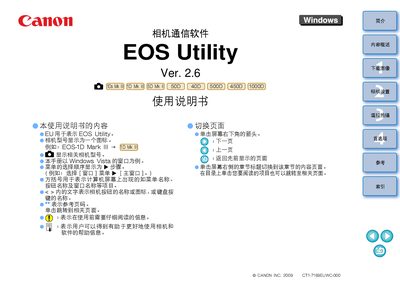
The EOS Utility guide describes how to establish communication between Canon EOS cameras and a Windows PC. It lists the supported camera models such as EOS‑1D Mark IV, EOS 5D, EOS 40D, EOS 450D, EOS 1000D and others, and explains the basic connection steps.
The manual also covers the main functions of the software: batch downloading of images, remote shooting, camera setting adjustments, and integration with Digital Photo Professional or ZoomBrowser EX. System requirements, supported operating systems, and file‑management options are detailed throughout the document. This manual is written in Chinese.
| .NET Framework version | 2.0 or later |
|---|---|
| CPU speed | 1.3 GHz or higher |
| Minimum RAM | 1 GB |
Connect the camera via the USB cable, launch EOS Utility, select the download option, and choose the destination folder to transfer the images to the computer.
Yes, the software provides remote shooting functions that let you adjust exposure, focus, and other settings from the PC.