
Key facts
- Brand
- Wavecom
- Model
- M1206
- Category
- Other
- Industry
- Electronics
- Documents
- 3
- Languages
- EN · ZH
- Last added
- 2026-10-01
Start here
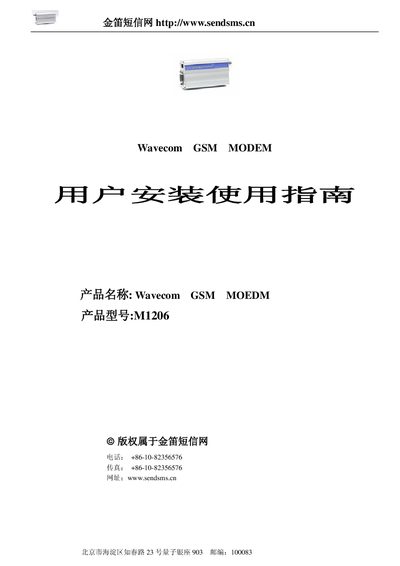
Wavecom M1206 GSM Modem User Installation Guide
This guide introduces the Wavecom M1206 GSM Modem, describing its main features such as dual‑band operation, 115 Kbps full‑duplex data rate, and 2 W RF output. It outlines the hardware specifications, power requirements, and environmental limits.
The manual then walks through installation procedures, including connecting the RS‑232 interface, configuring the dial‑up network on Windows, and using the AT command set for functions like signal quality, SMS handling, and call control. Detailed AT command tables are provided for developers and technicians. This manual is written in Chinese.
Wavecom M1206 specifications
| Frequency bands | EGSM 900/1800 MHz |
|---|---|
| GSM class | Class 4 (900 MHz), Class 1 (1800/1900 MHz) |
| Current consumption (GSM 900 @ 12 V) | 140 mA |
| Current consumption (GSM 1800 @ 12 V) | 100 mA |
| Dimensions | 98 × 54 × 25 mm |
| SIM voltage | 3 V / 5 V |
Source: Wavecom M1206 Open AT Datasheet
All Wavecom M1206 documents by type
Ratings, dimensions and ordering codes, for selection and design work.
Day-to-day operation, settings and troubleshooting. Start here if the product is already set up.
Questions answered in these manuals
What frequency bands does the Wavecom M1206 support?
It supports EGSM 900 MHz and 1800 MHz bands.
What are the dimensions and weight of the module?
The module measures 98 × 54 × 25 mm and weighs 105 g.
What voltage range does the modem accept?
It operates from 5 V to 32 V.
What is the maximum output power of the modem?
The modem provides Class 4 2 W output at 900 MHz and Class 1 1 W output at 1800/1900 MHz.
How do I configure the dial‑up network for the Wavecom M1206?
Create a new network connection in Windows, select “Connect to the Internet”, choose manual setup, select “Use a dial‑up modem”, set the phone number to *99***1#, and finish the wizard.
Which AT command returns the current signal quality?
Use the AT+CSQ command to query the module’s signal quality.