
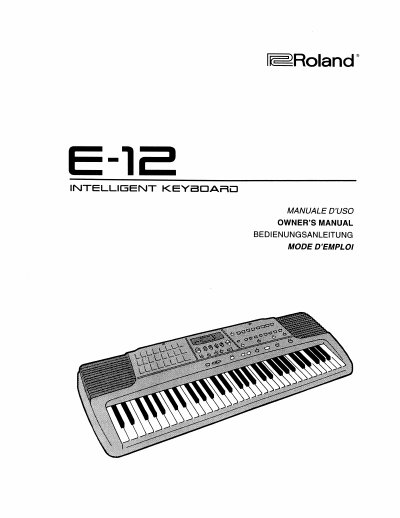
Roland E-12 Intelligent Keyboard Owner's Manual


Roland E-12 Intelligent Keyboard Owner's Manual - cover page
Brand
Roland
Category
Other Electronics
Document type
User Manual
Language
English
Pages
124
File format
PDF
File size
18.3 MB
Published
10 August, 2012
Updated
31 August, 2012
MD5 checksum
CD6F95061D1B04ACDF297B01D62F4C73

About this manual

This document is the Owner's Manual for the Roland E-12 Intelligent Keyboard. It serves as a comprehensive guide for users to identify the instrument, understand safety rules, and operate the device. The manual details how to select and play from 223 available tones and 8 drum sets, as well as how to use the built-in accompaniment styles and arranger controls.

What's inside

  • How to identify the instrument
  • Safety rules and General Notes
  • Specifications
  • How to start Playing the Demo Songs
  • How to select and play one of the 223 available tones
  • Keyboard Split
  • How to select and play an accompaniment style
  • Style Tempo Setting
  • Arranger Control
  • How to hold a chord in the lower and in the Arranger Control section

Specifications

Number of Tones223
Number of Drum Sets8
Product TypeIntelligent Keyboard

Frequently asked questions

How do I start playing the demo songs?

Refer to the section titled 'How to start Playing the Demo Songs' in the manual.

How many tones are available on the E-12?

There are 223 available tones to select and play.

How many drum sets are included?

The keyboard includes 8 sets of drum sounds.

Download PDF (18.3 MB)

More Roland Manuals


View all Roland manuals →