
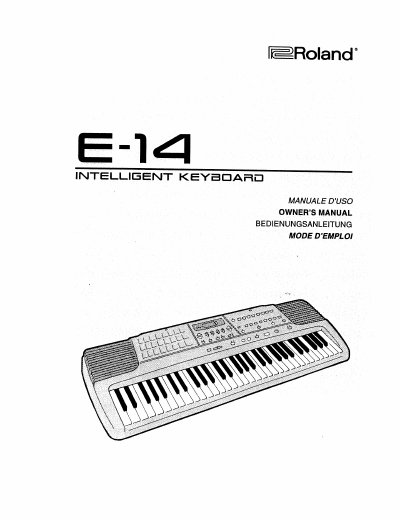
Roland E-14 Intelligent Keyboard User Manual


Roland E-14 Intelligent Keyboard User Manual - cover page
Brand
Roland
Document type
User Manual
Language
Italian
Pages
124
File format
PDF
File size
7.3 MB
Published
10 August, 2012
Updated
31 August, 2012
MD5 checksum
9C73D0668899A7AA51DE6122470A6C20

About this manual

This manual provides instructions for using the Roland E-14 Intelligent Keyboard. It covers how to start playing, select tones and drum sets, adjust tempo, and use the arranger function. Sections include safety information, technical specifications, and maintenance tips. The manual is multilingual, with content in Italian, English, German, French, and Spanish. This manual is written in Italian.

What's inside

  • How to identify the instrument
  • General notes on delivery
  • Description of the instrument
  • Safety rules and precautions
  • Technical specifications
  • Operation panel controls
  • How to start playing the demo songs
  • How to start playing
  • How to select and play one of the 223 available tones
  • Tone variations

Frequently asked questions

What is the maximum number of tones available on the Roland E-14?

The instrument provides 223 available tones for selection and playback.

How many drum sound sets can be selected and played?

The keyboard allows the user to select and play one of 8 sets of drum sounds.

How many accompaniment styles are available for selection?

The user can select and play an accompaniment style in either the Basic or Variation version.

Download PDF (7.3 MB)

More Roland Manuals


View all Roland manuals →