
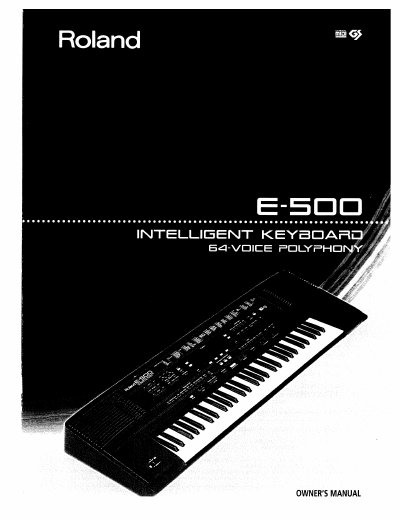
This manual provides instructions for the Roland E-500 Intelligent Keyboard, a musical instrument combining three modes: piano, organ, and keyboard. It details the setup process, including connecting power and setting up music equipment, as well as safety precautions regarding electrical shock and ventilation.
The guide covers basic operations such as selecting tones and styles, using the microphone input with echo effects, and adjusting pitch bend and modulation. It also explains performance functions like One Touch Program and playing back songs from disk, along with recording and playback procedures for the built-in composer.
| Polyphony | 64-voice |
|---|
The E-500 can be used as a piano, organ, or keyboard (a synthesizer with automatic accompaniment).
Yes, the E-500 is GM (General MIDI) and GS compatible.
Yes, the E-500 is capable of playing Standard MIDI Files from 3.5 inch floppy disks.