
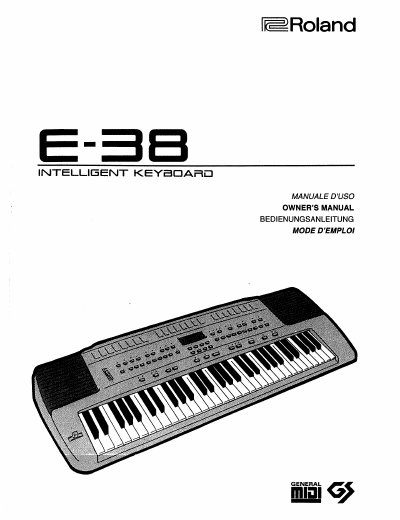
Roland E-38 Workstation Keyboard Owner's Manual


Roland E-38 Workstation Keyboard Owner's Manual - cover page
Brand
Roland
Category
Musical instruments
Document type
User Manual
Language
English
Pages
102
File format
PDF
File size
7.3 MB
Published
10 August, 2012
Updated
29 August, 2012
MD5 checksum
2B40D3B18AA25976BD32AF8DF898D1B7

About this manual

This manual provides comprehensive instructions for the Roland E-38 workstation keyboard. It covers general safety notes, instrument identification, and specific setup procedures for powering up and connecting the device. The guide details the various features of the E-38, including its 223 tones, 8 drum sets, and intelligent accompaniment styles.

What's inside

  • General notes on delivery
  • Features
  • Important notes
  • Specifications
  • Setting Up and Powering Up
  • Panel Description
  • Demo Songs Playback
  • Playing the E-38
  • Selecting Tones
  • Keyboard Split

Frequently asked questions

How do I start playing the demo songs?

Refer to the section on Demo Songs Playback to learn how to launch the pre-recorded pieces.

Can I split the keyboard?

Yes, the manual includes instructions on how to set the split point and select different tones for the Lower and Upper sections.

How do I connect the E-38 to a computer?

The manual provides a section on MIDI Computer Interface for connecting the instrument to other systems.

Download PDF (7.3 MB)

More Roland Manuals


View all Roland manuals →