
This document describes the features and characteristics of the BOSS DB-90 METRONOME Dr. Beat, including a large backlit LCD panel, an easy-to-follow and highly visible pendulum-style tempo indicator, PCM count sound and internal drum sounds, note mixing function, and loop play.
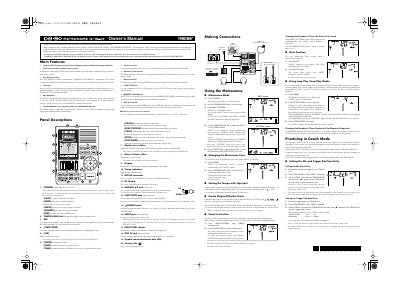
This manual provides instructions for the BOSS DB-90 Metronome, a device featuring a large backlit LCD panel and various sound options including PCM count sounds, internal drum sounds, and human voice. It details the main features such as the Note Mixing function, Loop Play, and the built-in Amp Simulator for connecting guitars or basses directly to the unit for rhythm training.
| Tempo Range | 30-250 BPM |
|---|---|
| Reference Tone Range | C2-B6 |
| Memory Capacity | 50 metronome settings |
| Reference Tone Memory | 10 settings |
Press the [TAP] button two or more times in Metronome mode to set the tempo to the timing you use in tapping.
Yes, the unit includes an input jack and amp simulator function to connect a guitar or bass directly to the unit.
The four available tones are Wind-up metronome sound, Electronic metronome sound, Electronic click sound, and Human voice.