
The BOSS DN-2 Dyna Drive is an overdrive that changes the tone in response to the force of picking and the volume control on the guitar. It transforms the sound into one where reverberating strings retain their sharpness even if the guitar's volume is turned down. By simply turning the DRIVE knob, you get broad-ranging control over the depth of distortion. Whether it be a crunch sound, overdrive with strong attack, or long sustain with a boosted midrange, it's right at your fingertips.
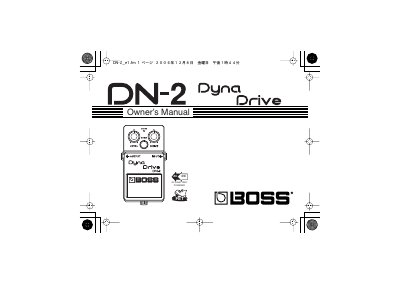
The BOSS DN-2 Dyna Drive is an overdrive pedal designed to change the tone of a guitar in response to picking force and the volume control. It transforms the sound so that reverberating strings retain their sharpness even when the guitar's volume is turned down. Users can control the depth of distortion, from crunch sounds to long sustain with a boosted midrange, using the DRIVE knob.
| Power Supply | AC Adaptor (PSA-series) or Battery |
|---|---|
| AC Adaptor Output | 8V DC/200 mA |
| Function | Overdrive |
Inserting a connecting plug into the INPUT jack turns on the power to the unit.
You can turn the effect on or off using the Pedal Switch.
The CHECK indicator shows whether the effect is on or off and also acts as a battery check indicator.