
This document is the instruction manual for the Futaba 6EX-2.4GHz 6-channel FASST Radio control system for Airplanes/Helicopters. It provides information on the usage precautions, contents and specifications, as well as the installation, receiver and servo connections, battery charging, LCD and programming controls of the radio.
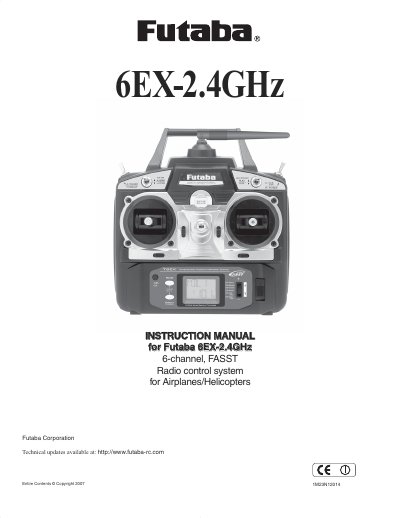
This manual provides comprehensive instructions for the Futaba 6EX-2.4GHz, a 6-channel digital proportional radio control system utilizing FASST (Futaba Advanced Spread Spectrum Technology). It is designed for both ACRO (airplane) and HELI (helicopter) modes, offering features such as dual rates, exponentials, programmable mixing, and trainer capabilities. The document details the use of the T6EX-2.4GHz transmitter and the R606FS receiver.
| Channels | 6-channel |
|---|---|
| Operating System | 2-stick, 6-channel system |
| Power Supply | 9.6V NT8F600B Ni-Cd battery |
| Current Drain (Transmitter) | 170mA |
| Current Drain (Receiver) | 80mA (at no signal) |
| Receiver Size | 1.64x1.08x0.36" (41.6x27.5x9.2mm) |
| Receiver Weight | 0.34oz. (9.8g) |
FASST stands for Futaba Advanced Spread Spectrum Technology.
No, you should never use dry battery for the R606FS as it causes malfunction.