
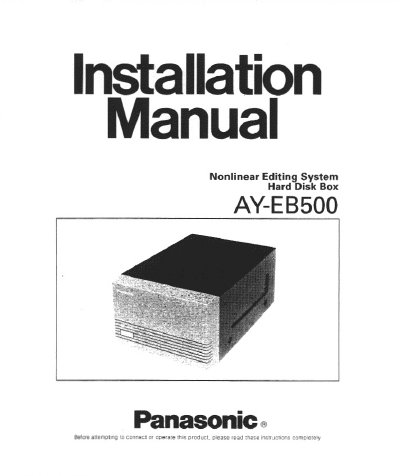
Panasonic AY-EB500 Nonlinear Editing System Hard Disk Box Installation Manual


Panasonic AY-EB500 Nonlinear Editing System Hard Disk Box Installation Manual - cover page
Brand
Panasonic
Category
Other Computer Accessories
Document type
User Manual
Language
English
Pages
12
File format
PDF
File size
368 KB
Published
09 August, 2012
Updated
16 August, 2012
MD5 checksum
2782E0694A96DDAA3DD8889519660080

About this manual

This manual provides installation and operating instructions for the Panasonic AY-EB500 Nonlinear Editing System Hard Disk Box. The unit is designed to accept and supply power to up to two 3.5-inch HDD units and features built-in WIDE SCSI ports for connection to the Editing System.

What's inside

  • Preface
  • Precautions
  • Major Operating Controls
  • Initial Setting
  • Installation
  • Connection
  • Specifications
  • Standard Accessories

Specifications

Power Supply120V AC 60Hz
WIDE SCSI Outputx2 (Loop through output)
Ambient Operating Temperature32°F - 95°F (0°C - +35°C)
Dimensions210 (W) x 132 (H) x 310 (D) mm

Frequently asked questions

How many HDD units can the AY-EB500 accept?

The Hard Disk Box accepts and supplies power to up to two 3.5-inch HDD Units.

What is the maximum number of AY-EB500 boxes that can be connected?

Up to five AY-EB500 Hard Disk Boxes can be connected to the Editing System using optional Panasonic SCSI cables.

What are the operating temperature limits?

The unit should be used where temperature is within 32°F - 95°F (0°C - +35°C).

Download PDF (368 KB)

More Panasonic Manuals


View all Panasonic manuals →