
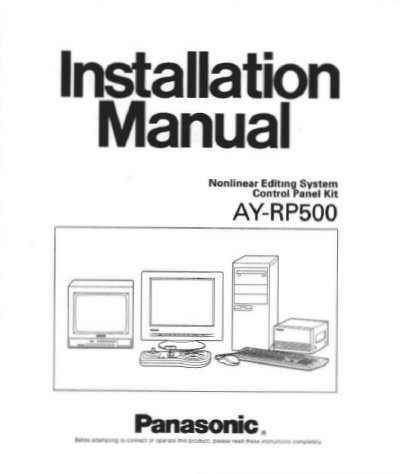
Panasonic AY-RP500 Nonlinear Editing System Installation Manual


Panasonic AY-RP500 Nonlinear Editing System Installation Manual - cover page
Brand
Panasonic
Category
Other Computer Accessories
Document type
User Manual
Language
English
Pages
38
File format
PDF
File size
1.1 MB
Published
09 August, 2012
Updated
16 August, 2012
MD5 checksum
E6A33EFB693D07A62834F27876F9F82A

About this manual

This manual provides installation instructions and operating procedures for the Panasonic AY-RP500 Nonlinear Editing System. The system is designed for professional post-production and requires the AY-AS501 application software to function. It features simultaneous playback of two channels and utilizes the DVCPRO system for video compression and decompression.

What's inside

  • Preface
  • Features
  • Precautions
  • Major Operating Controls
  • Cable Information
  • Board Setup
  • System Connection
  • Operating Procedures
  • Specifications

Specifications

Input Power Source120V AC 60 Hz
Operating Temperature32°F - 95°F (0°C - +35°C)
Relative Humidity10 - 90%

Frequently asked questions

What software is required to operate the AY-RP500?

The AY-AS501 application software is a prerequisite for the system.

What software is required to operate the AY-RP500 system?

The AY-AS501 application software is a prerequisite for operation.

What is the operating temperature range for the unit?

The unit must be used in an environment where the temperature is within 32°F - 95°F.

What is the input power source specification?

The input power source is 120V AC 60 Hz.

Download PDF (1.1 MB)

More Panasonic Manuals


View all Panasonic manuals →