
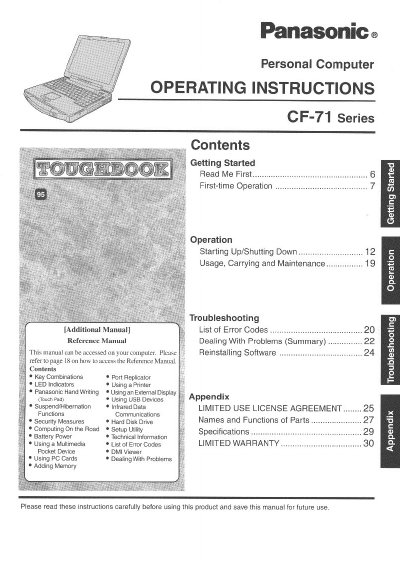
This document provides operating instructions for the Panasonic CF-71 Series Personal Computer. It includes guidance on getting started with the device, starting up and shutting down procedures, and general usage tips such as carrying and maintenance practices.
The manual details various operational features including key combinations, port replicator usage, LED indicators, handwriting recognition, external display connections, USB devices, suspend/hibernation functions, security measures, and battery power management. It also covers the use of multimedia pocket devices, PC Cards, memory expansion, and troubleshooting for error codes.
| Operating Temperature | 5 °C to 35 °C (41 °F to 95 °F) |
|---|---|
| Storage Temperature | -20 °C to 60 °C (-4 °F to 140 °F) |
It provides a useful fact or helpful information.
The battery should only be exchanged by service personnel due to explosion risks.