
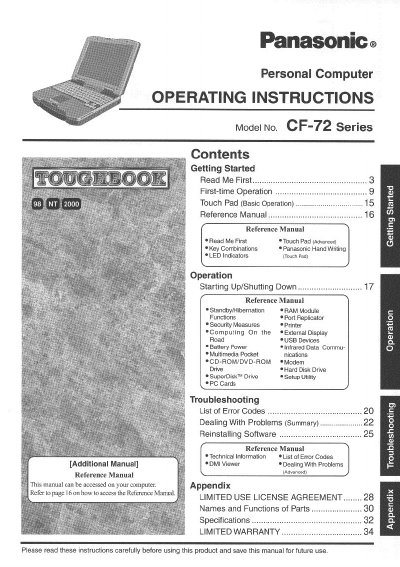
This manual provides operating instructions for the Panasonic CF-72 Series personal computer. It includes guidance on first-time operation, using the touch pad, and managing power and peripherals. The document also covers security measures, external display usage, and troubleshooting common problems.
Key topics include starting up and shutting down the computer, utilizing the touch pad for basic and advanced operations, and understanding LED indicators. The guide details functions such as port replication, printer usage, and connecting various devices like USB, CD-ROM, and hard disk drives. It also addresses battery power, infrared data communications, and multimedia pocket communications.
The model number for this personal computer is CF-72 Series.
In most areas, the sum of RENs should not exceed five (5.0).
You must use only No.26 AWG or larger telecommunication line cords.