
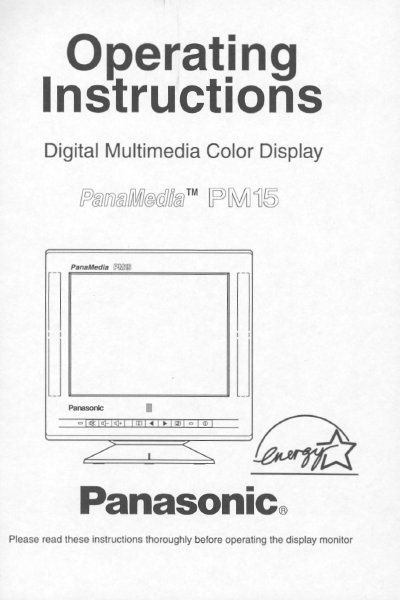
This document provides operating instructions for the Panasonic PMS Digital Multimedia Color Display, a 15-inch CRT monitor featuring built-in stereo speakers and a microphone. The manual guides users through installation, connecting signal and power cables, and utilizing the on-screen display for adjustments.
| CRT Size | 15" CRT (14.07/35.6 cm Viewable image size) |
|---|---|
| Dot pitch | 0.27 mm or 0.28 mm |
| Power consumption | 120 W typical |
| Weight | 13.6 kg (30.0 Ibs) |
| Speakers | Stereo pair of 3 Watt Dome Speakers |
| Video Band width | 6 MHz (Typical) |
The on-screen menu is available in 5 languages: English, French, German, Spanish, or Italian.
The allowable horizontal frequency range is 30.0 to 69.0 kHz.
Yes, it is a DDC 1/2B compatible monitor that uses the VESA DDC standard.