
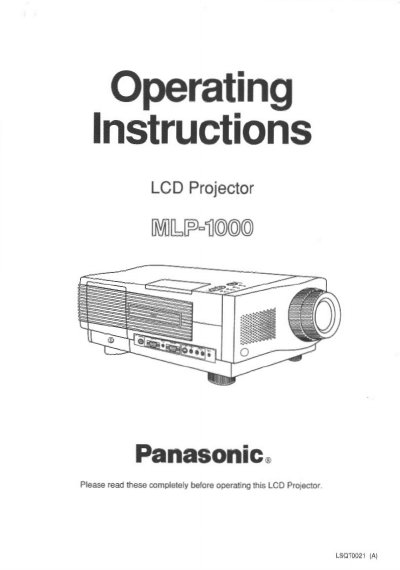
This document provides operating instructions for the Panasonic MLP-1000 LCD Projector. It details the contents of the projector box, including cables and accessories, and outlines the key features such as high brightness, rear screen mode, and remote control capabilities. The guide explains how to position the projector, connect video and computer cables, and perform initial setup.
| Brightness | 300-lumen (ANSI) |
|---|---|
| Resolution | 922k-pixel |
| Screen Capability | 30 to 650 Inch |
| Air Filter Cleaning Interval | Every 100 lamp hours |
The box includes the LCD Projector, Remote Control, 2 "AA" Batteries, Power Cord, VGA Cable, VGA MAC Adaptor, PC Audio Cable, Video RCA Cable, RCA - BNC pin Adaptor, Audio RCA Cable, RS-232C Cable, Adaptors, S-Video Cable, Operating Instructions, Quick Reference Guide, Warranty Card, Software Diskette.
The air filter must be cleaned every 100 lamp hours to prevent the projector from becoming too hot.
Yes, the projector has a reverse scan function. Press the REVERSE button to flip the image to a mirror image for rear projection.