
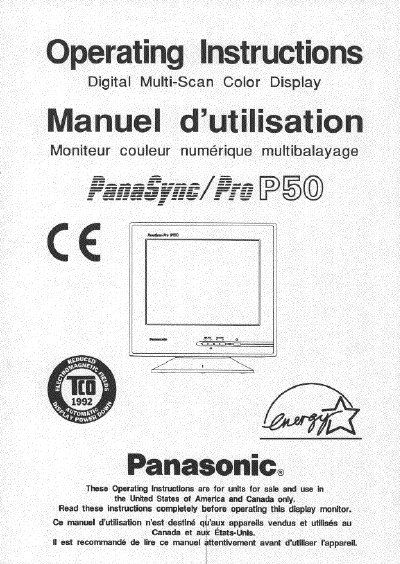
Panasonic P50 Digital Multi-Scan Color Display Operating Instructions


Panasonic P50 Digital Multi-Scan Color Display Operating Instructions - cover page
Brand
Panasonic
Category
Monitor
Document type
User Manual
Language
English
Pages
47
File format
PDF
File size
1.3 MB
Published
08 August, 2012
Updated
20 August, 2012
Model
P50
MD5 checksum
3528FA1CC1D1C778FD7329C5C2B3736F

About this manual

This document provides operating instructions for the Panasonic P50 Digital Multi-Scan Color Display. It includes important safety notices regarding power cord selection for different regions (US/Canada vs. Europe), FCC and CE compliance information, and general precautions to prevent electrical shock or fire.

The manual details installation procedures, including stand removal and replacement, as well as on-screen adjustments and operation procedures. It also covers the Power Management System, display modes memory, timing specifications, and troubleshooting steps.

What's inside

  • Important Notice Concerning Power Cord Selection
  • Federal Communications Commission Requirements
  • CE Conformity
  • Precautions
  • Installation
  • Features
  • Specifications
  • On-Screen Adjustment
  • Operation Procedure
  • Power Management System

Frequently asked questions

What type of power cord is required for the Panasonic P50 in the United States and Canada?

The male plug must be a NEMA 5-15 style, and units on desks may use SVT or SJT cords while floor-standing units require SUT type cords.

What specific clearance requirement must be met when placing the monitor?

The user must not place the monitor with less than the recommended clearance found in the Precautions section.

What is the maximum length of the shielded video signal cable required for CE compliance?

The user must use the provided 1.5 m shielded video signal cable with bonded ferrite cores at both ends.

Download PDF (1.3 MB)

More Panasonic Manuals


View all Panasonic manuals →