
Panasonic DP-2000 Digital Copier Operating Instructions

This is an English operating manual that introduces the DP-2000 model for installation, setup, basic operations, and network functions.
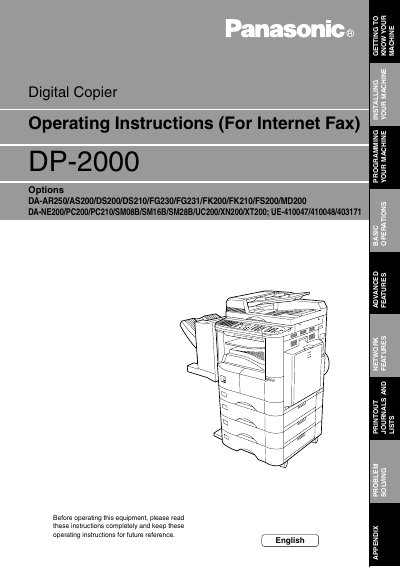

Panasonic DP-2000 Digital Copier Operating Instructions - cover page
Brand
Panasonic
Category
copier
Document type
User Manual
Language
English
Pages
138
File format
PDF
File size
2.5 MB
Published
08 August, 2012
Updated
01 October, 2023
Model
DP-2000
MD5 checksum
ABE6B28FD483FF270AAC2C46C907A5F1

About this manual

This document provides operating instructions for the Panasonic DP-2000 digital copier. It covers safety information, installation, and basic operations including sending documents via LAN, email addressing methods (manual, one-touch, abbreviated), and directory search dialing.

The manual details advanced features such as inbound routing, fax forwarding, network scanning, and relayed transmission. It also includes sections on programming parameters via email or PC, customizing machine settings, printing journals and lists, and troubleshooting common error messages.

What's inside

  • Safety Information
  • Getting to Know Your Machine
  • Pre Installation Information
  • Setup as POPs Client
  • Internet Fax Transmission
  • Inbound Routing
  • Fax Forward
  • Network Scanner
  • Relayed Transmission
  • Problem Solving

Frequently asked questions

Where is the model and serial number plate located?

The model and serial number plate (Main Name Plate) is located on the machine.

Can the DP-2000 make phone calls via LAN?

No, the DP-2000 cannot make a phone call via LAN.

Download PDF (2.5 MB)

More Panasonic Manuals


View all Panasonic manuals →