
Panasonic DP-2000/2500/3000 Digital Copier Operating Instructions

This document is the operating instructions for the Panasonic Printing System Ver. 6 digital copier. It describes the features and characteristics of the copier, as well as information related to energy consumption and environmental protection.
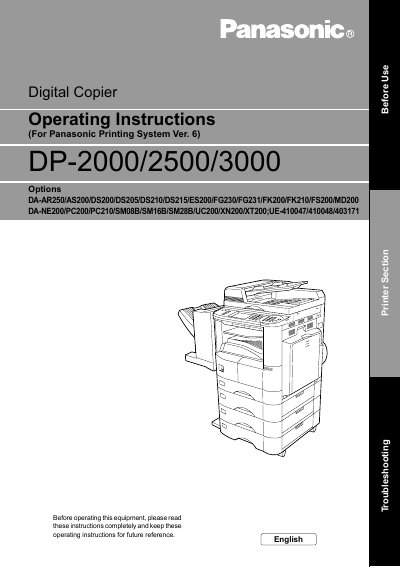

Panasonic DP-2000/2500/3000 Digital Copier Operating Instructions - cover page
Brand
Panasonic
Category
copier
Document type
User Manual
Language
English
Pages
105
File format
PDF
File size
2.1 MB
Published
08 August, 2012
Updated
28 September, 2023
MD5 checksum
0B2196E308A6D1B24016EE0FDB605C31

About this manual

This document provides operating instructions for the Panasonic DP-2000/2500/3000 Digital Copier. It covers precautions, external views, and control panel functions for different models. The manual details installation and configuration procedures for Windows 95/98/Me, Windows NT 4.0, and Windows 2000, including driver installation and settings.

What's inside

  • Before Use
  • External View and Control Panel
  • Installation and Configuration
  • Print Operation
  • Troubleshooting
  • Appendix

Frequently asked questions

What is the maximum length for the parallel interface cable?

The manual specifies using a cable with a maximum length of 20 ft.

How does the copier automatically reduce energy consumption?

The copier will automatically power down after a specified period of non-use.

Download PDF (2.1 MB)

More Panasonic Manuals


View all Panasonic manuals →