
This document describes the features and characteristics of the DP-3520/4520/6020 model digital imaging system, including functions such as copying, fax/email, printing, scanning/filing, etc.
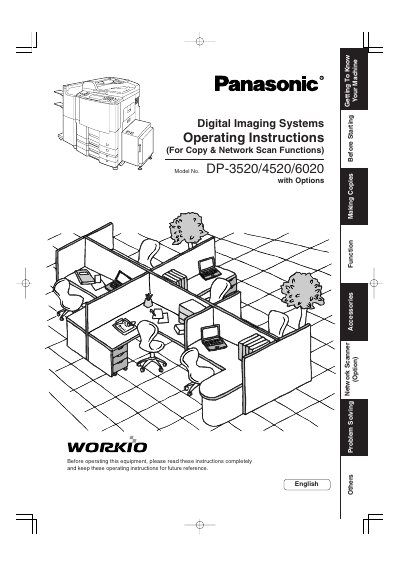
This manual provides operating instructions for the Panasonic DP-3520/4520/6020 Digital Imaging Systems, specifically for Copy and Network Scan functions. It guides users on basic operations, making copies, and utilizing optional features like fax and email.
The document details how to use the control panel, add paper, replace toner, and resolve error codes. It also covers advanced settings, combined functions, and troubleshooting steps for the machine.
| Copy Resolution | 300 or 600 dpi |
|---|---|
| Scan Resolution | up to 600 dpi |
| Paper Weight | 16 - 24 Ib |
| Operating Temperature | 50-86*F |
| Relative Humidity | 30-80 % |
The manual recommends using high quality 16 - 24 Ib paper.
Data Reception Function during Tandem/Remote Copying and Printer Function (Local and Network Connections) will not work.
The model and serial number plate is located on the rear side of the machine.