
Panasonic DP-2500/3000 Digital Copier Operating Instructions

This is an operating manual for a digital copier.
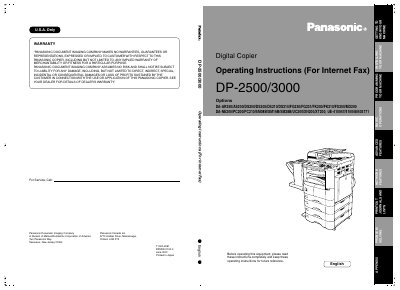

Panasonic DP-2500/3000 Digital Copier Operating Instructions - cover page
Brand
Panasonic
Category
copier
Document type
User Manual
Language
English
Pages
138
File format
PDF
File size
2.9 MB
Published
08 August, 2012
Updated
30 September, 2023
MD5 checksum
9775D54BE5D2B4748AEA3B4F0D6E00D2

About this manual

This manual provides comprehensive operating instructions for the Panasonic DP-2500/3000 Digital Copier. It covers essential safety information, control panel functions, and pre-installation requirements necessary before setting up the machine.

The guide details how to configure the copier as an SMTP mail server or POP client, enabling internet fax transmission and email reception capabilities. It also explains advanced features such as network scanning, relayed transmission, sender selection, and inbound routing.

What's inside

  • Safety Information
  • Control Panel
  • Pre Installation Information
  • Internet Communication Features
  • Setting User Parameters
  • Sending Documents via LAN
  • Receiving Documents via LAN
  • Inbound Routing
  • Network Scanner
  • Troubleshooting

Frequently asked questions

Where is the model and serial number plate located?

The model and serial number plate (Main Name Plate) is located on the machine.

Can the DP-2500/3000 make a phone call via LAN?

No, this specific model cannot make a phone call via the LAN connection.

What type of telephone line cable is required?

You must use only No. 26 AWG or larger telephone line cable to reduce the risk of shock or fire.

Download PDF (2.9 MB)

More Panasonic Manuals


View all Panasonic manuals →