
DP-2500/3000 is a multifunction digital copier that can copy, fax, scan, and print documents.
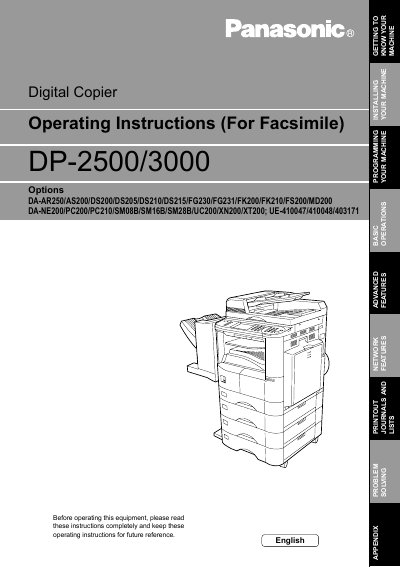
This manual provides comprehensive operating instructions for the Panasonic DP-2500/3000 Digital Copier. It covers essential topics such as safety information, installing the machine, setting user parameters like date, time, and volume, and programming phone books and access codes.
The guide details basic operations including loading originals, sending documents via various dialing methods (manual, phone book, direct), and receiving faxes with options for automatic or manual reception. It also explains advanced features such as batch transmission, timer-controlled communications, password protection, confidential mailboxes, sub-addressing, and the use of program keys for group dialing.
The Model and Serial Number plate (Main Name Plate) is located on the machine.
Read these instructions completely and keep them for future reference.
No, do not use this product near water such as a bath tub or kitchen sink.