
Panasonic DP-2500/3000 Digital Copier Operating Instructions

This operating manual describes the operation of the DP-2500/3000 copier.
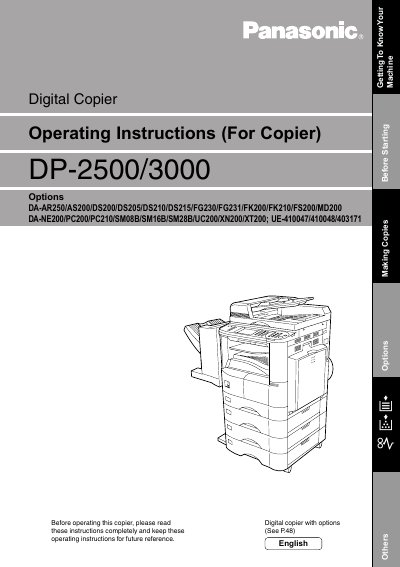

Panasonic DP-2500/3000 Digital Copier Operating Instructions - cover page
Brand
Panasonic
Category
copier
Document type
User Manual
Language
English
Pages
199
File format
PDF
File size
3.5 MB
Published
08 August, 2012
Updated
30 September, 2023
MD5 checksum
BB2E995BBD99D80141BE0CABC495E2E2

About this manual

This manual provides comprehensive operating instructions for the Panasonic DP-2500 and DP-3000 digital copier series. It covers essential topics such as safety information, machine installation, and basic operations including loading originals and sending documents via fax or copy functions.

The guide details advanced features like batch transmission, timer-controlled communications, password protection, and confidential mailbox management. It also includes troubleshooting steps for common problems and a list of technical specifications.

What's inside

  • Safety Information
  • Getting to Know Your Machine
  • Installing Your Machine
  • Programming Your Machine
  • Basic Operations
  • Receiving Documents
  • Advanced Features
  • Printout Journals and Lists
  • Problem Solving

Frequently asked questions

Where is the model and serial number plate located?

The Model and Serial Number plate (Main Name Plate) is located on the machine.

What safety precaution should be taken regarding moisture?

Do not expose this product to rain or any type of moisture to prevent fire or shock.

Download PDF (3.5 MB)

More Panasonic Manuals


View all Panasonic manuals →