
This document introduces the features of the SHARP POS terminal, including the model, power supply, installation and use.
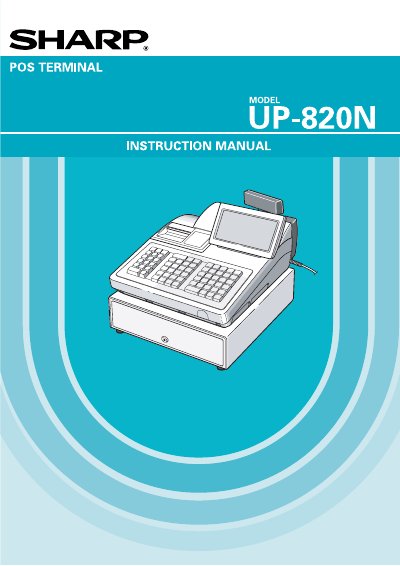
This document is the user manual for the Sharp UP-820N POS Terminal. It includes safety warnings, a description of the terminal's physical features, and instructions for selecting operating modes. The guide details how to perform various cash register functions such as item entry, tax calculations, and tendering cash or checks. It also explains how to manage customer accounts and handle refunds or returns.
| Power Requirement | 120V + 10% AC |
|---|---|
| Memory Protection | Nickel metal hydride battery pack |
| Battery Replacement Interval | Every three years |
The battery pack must be replaced at least every three years at the user's expense.
It is recommended that each unit be allowed to be charged for a period of 24 to 48 hours prior to use.
No, if the terminal malfunctions, the user should call their local authorized dealer for service and not try to repair it themselves.