
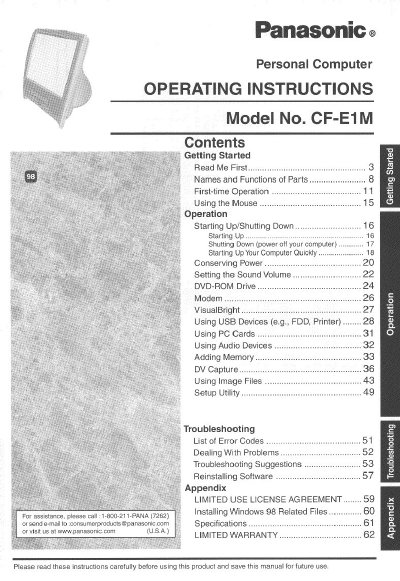
Panasonic CF-E1M Personal Computer Operating Instructions


Panasonic CF-E1M Personal Computer Operating Instructions - cover page
Brand
Panasonic
Category
Laptops
Document type
User Manual
Language
English
Pages
64
File format
PDF
File size
2.2 MB
Published
07 August, 2012
Updated
31 August, 2012
MD5 checksum
57BC99D3A2271824F32581694CF6C8D7

About this manual

This manual provides operating instructions for the Panasonic CF-E1M personal computer. It includes guidance on getting started, using the mouse, starting up and shutting down the system, and conserving power. The document also details how to use various features such as the DVD-ROM drive, modem, and USB devices, as well as managing memory and image files.

What's inside

  • Getting Started
  • Names and Functions of Parts
  • First-time Operation
  • Using the Mouse
  • Starting Up/Shutting Down
  • Conserving Power
  • Using USB Devices
  • Using Image Files
  • Setup Utility
  • Troubleshooting

Frequently asked questions

What type of digital device is this computer classified as for FCC regulations?

This equipment has been tested and found to comply with the limits for a Class B digital device.

What is the maximum total REN allowed on most telephone lines?

In most areas, the sum of RENs should not exceed five (5.0).

Download PDF (2.2 MB)

More Panasonic Manuals


View all Panasonic manuals →