
Panasonic VL-GC001A Door Station Installation and Operation Guide

This manual introduces how to install and use the Panasonic Door Station. It includes important safety instructions, installation steps, cleaning methods, etc.
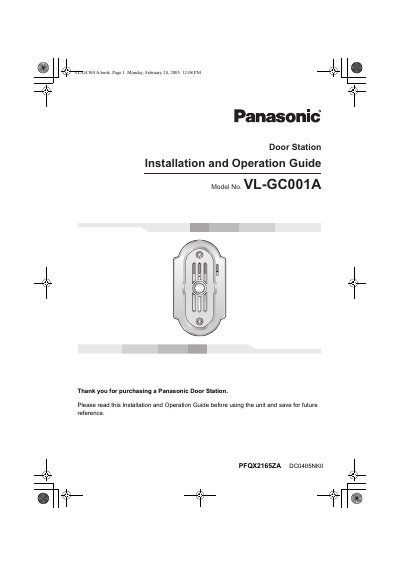

Panasonic VL-GC001A Door Station Installation and Operation Guide - cover page
Brand
Panasonic
Category
Other Electronics
Document type
User Manual
Language
English
Pages
16
File format
PDF
File size
596 KB
Published
06 August, 2012
Updated
30 September, 2023
MD5 checksum
306532F449480CCB6B4A420EBFE108CD

About this manual

This manual provides instructions for installing and operating the Panasonic VL-GC001A Door Station. It details the included items, control locations, and specific installation requirements to ensure proper performance and safety. The guide includes diagrams for camera angles and wiring specifications.

What's inside

  • Important Information
  • Included items
  • Location of controls
  • Before installation
  • Installing the door station
  • Cleaning
  • Technical data
  • FCC and Other Information

Specifications

Wire typeGeneral cable CAT-3 24 AWG
Maximum wire distance100 m
Power sourceUse only the specified AC adaptor

Frequently asked questions

How should the door station be cleaned?

Clean only with a dry cloth; do not use liquid cleaners or aerosol cleaners.

What is the maximum distance allowed for the wire between the monitor station and the door station?

The wire distance must not exceed 100 meters, which is approximately 328 feet.

How far must the door station be placed from a TV or microwave?

You must install the unit at least 2 meters, or 6 feet 7 inches, away from these devices.

What type of wire is required for the connection between the monitor station and the door station?

The connection requires a General cable CAT-3 with a 24 AWG specification.

Download PDF (596 KB)

More Panasonic Manuals


View all Panasonic manuals →