
This document is an Installation and Operation Guide for the Panasonic Sub Monitor Station. The document includes important information, safety instructions, product introduction, and installation steps.
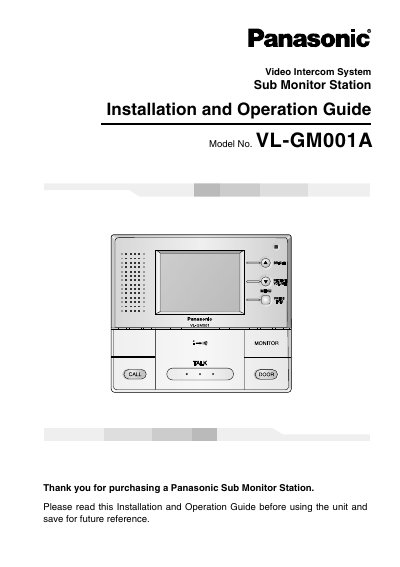
This document is the Installation and Operation Guide for the Panasonic VL-GM001A Sub Monitor Station. It serves as an optional unit that operates like a main Monitor Station when connected to the system, with up to two units allowed per system. The guide covers safety instructions, included items, and general information regarding the device's performance and limitations.
| Display | 3.5-inch color LCD screen |
|---|---|
| Maximum units per system | Up to two |
| Usage environment | Indoor use only |
| Minimum distance from electrical devices | 2 m (6'7") |
| Minimum distance from door station | 5 m (16'5") |
It is an optional unit that, when used through the Monitor Station, operates just like the Monitor Station.
Up to two units can be connected to the system.
No, it is for indoor use only and may malfunction if used outdoors.