
Panasonic VL-GM201A Single Monitor Station Installation and Operation Guide

This manual describes how to use the Panasonic Single Monitor Station, including installation and operation.
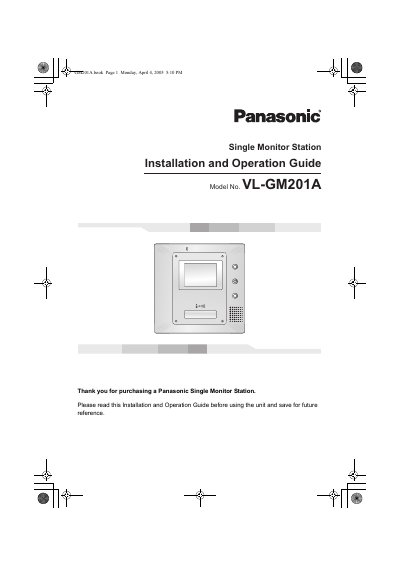

Panasonic VL-GM201A Single Monitor Station Installation and Operation Guide - cover page
Brand
Panasonic
Category
Other
Document type
User Manual
Language
English
Pages
32
File format
PDF
File size
1.2 MB
Published
06 August, 2012
Updated
30 September, 2023
MD5 checksum
BFD738AE33F4CA5C8C5EC4A081A25687

About this manual

The document is an Installation and Operation Guide for the Panasonic VL-GM201A Single Monitor Station. It details safety precautions, lists included items such as the monitor station, mounting bracket, power cable, and AC adaptor, and describes optional accessories like door stations and desktop stands. The guide specifies compatibility with various Panasonic PBX models including the KX-TA308, KX-TD308, and KX-TDA100 series.

What's inside

  • Important safety instructions
  • Included items
  • Optional item information
  • Compatible PBXs
  • Location of controls
  • Installing the monitor station
  • Using the Unit
  • Answering a door call
  • Troubleshooting
  • Cleaning

Specifications

Product TypeSingle Monitor Station
Model NumberVL-GM201A

Frequently asked questions

How should the unit be cleaned?

Clean only with a dry cloth; do not use liquid cleaners or aerosol cleaners.

What is the minimum distance required between the monitor station and other objects?

Do not place any objects within 20 cm (8 inches) of the monitor station to prevent communication errors or malfunction.

What happens to the unit if a power failure occurs?

If a power failure occurs, the unit will not function.

What should be done if the unit emits smoke or makes unusual noise?

Unplug the unit from power outlets immediately and contact an authorized service center after confirming the smoke has stopped.

Download PDF (1.2 MB)

More Panasonic Manuals


View all Panasonic manuals →