
This document provides instructions for using the PANAVISION Remote Digital Control System, which is an ultra-precision equipment for the motion picture industry. The document describes in detail the components and capabilities of the system, and provides operation guides for camera setup, lens calibration, LCD screen, and camera control.
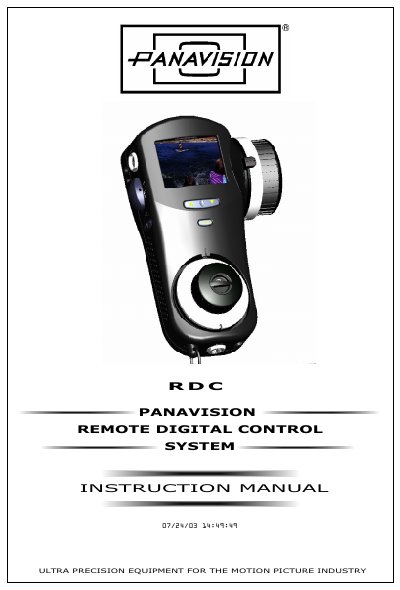
The Panavision RDC (Remote Digital Control) system is a lens and camera control system designed for the motion picture industry. It operates via hardwired or wireless connections and controls Panavision cameras, including the Millennium XL (PFXMXL) and Arri 435ES. The system serves as a remote control for focus, iris, and T-stop functions, with advanced capabilities for camera speed, shutter angle, and speed ramping.
The system controls Panavision's most popular cameras, including the Millennium XL and the Arri 435ES.
In its simple configuration, it serves as a remote control for focus, iris and T-stop functions of the lens.
For more advanced applications, it can also control camera speed, shutter angle, and speed ramping.