
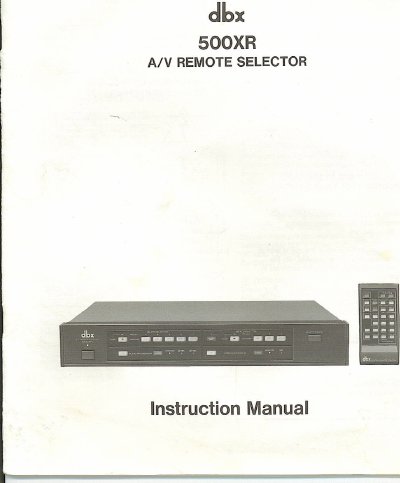
dbx 500XR A/V Remote Selector Instruction Manual


dbx 500XR A/V Remote Selector Instruction Manual - cover page
Brand
dbx
Category
Other Electronics
Document type
User Manual
Language
English
Pages
20
File format
PDF
File size
6.5 MB
Published
03 August, 2012
Updated
27 August, 2012
MD5 checksum
D736BD274932793EDDFB655A67EC2B91

About this manual

The dbx 500XR is a remote-controlled audio and video selector unit designed to connect and control up to two VCRs and one VDP, along with two input lines and up to two tape decks. It allows users to monitor and record programs, including the ability to dub from one source to another and add new audio tracks while dubbing video. The unit features external audio and video processor loops to enhance signals.

What's inside

  • Inspection and Installation
  • Features
  • Connections
  • Controls and Functions
  • Operation
  • Block Diagram
  • Specifications
  • Warranty and Factory-Service Information

Specifications

Power Consumption19W
Max AC Outlets Power600 W

Frequently asked questions

What is the maximum power consumption for equipment plugged into the AC outlets?

Do not plug in equipment with the total rated power consumption greater than 600 Watts.

What equipment can the dbx 500XR connect and control?

The unit connects and controls up to two VCRs, one VDP, two input lines, and up to two tape decks for monitoring and recording.

Can I add a new audio track while dubbing a video?

Yes, you can add a new audio sound track while dubbing a video tape.

What is the maximum power consumption for equipment plugged into its AC outlets?

Do not plug in equipment with a total rated power consumption greater than 600 Watts.

Download PDF (6.5 MB)

More dbx Manuals


View all dbx manuals →