
Sharp YO290P Electronic Organizer Operation Manual

This is an instruction manual for an electronic organizer
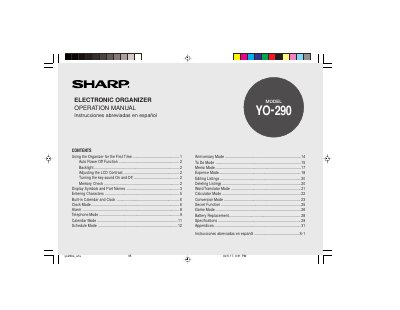

Sharp YO290P Electronic Organizer Operation Manual - cover page
Brand
Sharp
Category
Other Electronics
Document type
User Manual
Language
English
Pages
56
File format
PDF
File size
773 KB
Published
02 August, 2012
Updated
30 September, 2023
Model
YO-290
MD5 checksum
D3AA0C41CD61187AA14FEC087CD91D75

About this manual

This document is the operation manual for the Sharp YO290P electronic organizer. It details the initial setup procedures, including battery installation and memory initialization. The guide explains how to use the built-in calendar, clock, and alarm functions, as well as how to enter characters and manage data listings.

What's inside

  • Using the Organizer for the First Time
  • Auto Power Off Function
  • Backlight
  • Display Symbols and Part Names
  • Entering Characters
  • Built-in Calendar and Clock
  • Alarm
  • Telephone Mode
  • Calendar Mode
  • Schedule Mode

Frequently asked questions

What must be done before using the Organizer for the first time?

You must pull out the battery insulation sheets from the battery compartment and press the RESET switch.

How long does the Organizer wait before automatically turning off the power?

The Organizer automatically turns the power off when none of the keys has been pressed or tapped for approximately 7 minutes.

What is the valid date range for the built-in calendar and clock?

The Organizer allows you to enter the desired date and time between Jan. 1, 1950 and Dec. 31, 2150.

Download PDF (773 KB)

More Sharp Manuals


View all Sharp manuals →