
Sharp YO290E Electronic Organizer Operation Manual

This document is the operation manual for the 39 MODEL YO-290 electronic organizer, providing instructions on how to use the product and operate its various functions.
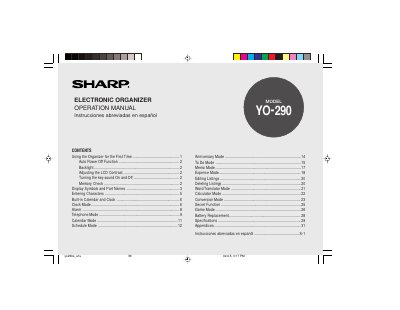

Sharp YO290E Electronic Organizer Operation Manual - cover page
Brand
Sharp
Category
Other Electronics
Document type
User Manual
Language
English
Pages
56
File format
PDF
File size
615 KB
Published
02 August, 2012
Updated
29 September, 2023
Model
YO-290
MD5 checksum
7C24EAA2BB3968AC478E9C16AF450621

About this manual

The document serves as an operation manual for the Sharp YO290E electronic organizer. It details initial setup procedures, including battery installation and memory initialization via the RESET switch. The guide explains how to use the device's built-in calendar and clock features, which support dates from 1950 to 2150.

What's inside

  • Using the Organizer for the First Time
  • Auto Power Off Function
  • Backlight Settings
  • Display Symbols and Part Names
  • Entering Characters
  • Built-in Calendar and Clock
  • Alarm Functions

Specifications

Date Range SupportJan. 1, 1950 to Dec. 31, 2150
World Cities Supported43 cities

Frequently asked questions

What happens if no keys are pressed for approximately 7 minutes?

The Organizer automatically turns the power off to save the operating battery.

What is the maximum date range supported by the calendar and clock modes?

The Organizer allows you to enter dates between Jan. 1, 1950 and Dec. 31, 2150.

How long must the device remain idle before it automatically turns off?

The Organizer automatically turns the power off when no keys have been pressed for approximately 7 minutes.

What are the available intervals for setting the backlight to turn off automatically?

You can set the Backlight to turn off after an interval of 10, 20, or 30 seconds.

Download PDF (615 KB)

More Sharp Manuals


View all Sharp manuals →