
This is a user manual for an electronic organizer, which contains instructions on how to use the organizer's various functions, including how to use the alarm clock, calendar, telephone, notes, calculator, and more.
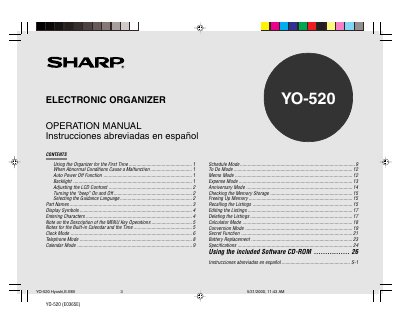
This document is the operation manual for the SHARP YO-520 Electronic Organizer. It provides instructions on initial setup, including battery installation and memory initialization, as well as how to select guidance languages and adjust display settings such as contrast and backlight.
The guide details the usage of various modes available on the device, including Schedule, To Do, Memo, Expense, Anniversary, Calculator, and Conversion. It also explains character entry methods for letters, numbers, symbols, and non-English characters, along with procedures for editing and deleting listings.
| Date/Time Range | Jan. 1, 1901 to Dec. 31, 2099 |
|---|---|
| Battery Type | Alkaline batteries LRO3 x 2 |
The Organizer automatically turns the power off to save the batteries.
Pressing once illuminates the display until no key is typed for 15 seconds; press again to turn it off.
No, the Organizer is not designed to transfer/receive e-mails.