
This is a user manual for the YO-515 electronic organizer. It provides instructions on how to use the organizer, its features and precautions.
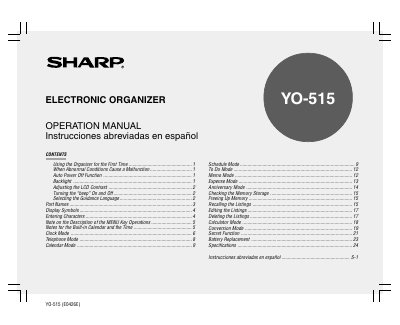
This document is the operation manual for the Sharp YO-515 Electronic Organizer. It details the initial setup procedures, including battery installation and memory initialization, as well as how to select the guidance language and adjust display settings like contrast and backlight.
The guide explains the functions of various modes available on the device, such as Schedule, Calendar, To Do, Memo, Expense, Anniversary, and Calculator. It also covers data management tasks like checking memory storage, recalling listings, editing entries, and deleting data, along with specific instructions for entering characters and symbols.
| Date/Time Range | Jan. 1, 1901 and Dec. 31, 2099 |
|---|---|
| Guidance Languages | Seven different languages |
| Symbol Entry Capacity | 140 symbols and characters |
| Auto Power Off Time | approximately 7 minutes |
If the Organizer is subjected to strong electrical noises or shocks and keys do not respond, press the RESET switch.
Press the backlight key again to turn the backlight off.
No, the Organizer is not designed to transfer or receive emails using stored email addresses.