
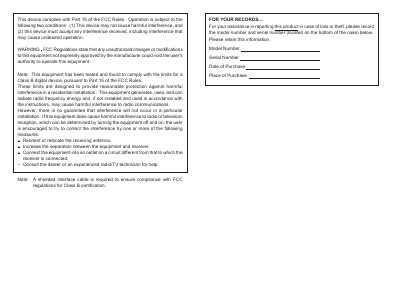
This device complies with Part 15 of the FCC Rules. Operation is subject to the following two conditions: (1) This device may not cause harmful interference, and (2) this device must accept any interference received, including interference that may cause undesired operation. WARNING FCC Regulations state that any unauthorized changes or modifications to this equipment not expressly approved by the manufacturer could void the user's authority to operate this equipment. Note: This equipment has been tested and found to comply with the limits for a Class B digital device, pursuant to Part 15 of the FCC Rules. These limits are designed to provide reasonable protection against harmful interference in a residential installation. This equipment generates, uses, and can radiate radio frequency energy and, if not installed and used in accordance with the instructions, may cause harmful interference to radio communications. However, there is no guarantee that interference will not occur in a particular installation. If this equipment does cause harmful interference to radio or television reception, which can be determined by turning the equipment off and on, the user is encouraged to try to correct the interference by one or more of the following measures: – Reorient or relocate the receiving antenna. – Increase the separation between the equipment and receiver. – Connect the equipment into an outlet on a circuit different from that to which the receiver is connected. – Consult the dea
This manual provides instructions for the Sharp YO-470 Electronic Organizer, an electronic device designed to function as a personal organizer. It includes details on initializing the device, using various functions such as calendars, schedules, and directories, and managing power settings like the backlight and auto power-off feature.
| Date Range | January 1, 1901 to December 31, 2099 |
|---|---|
| Warranty Period | One (1) year parts and labor |
| Backlight Duration | fifteen seconds |
The backlight remains on for as long as you continue to use the Organizer or for fifteen seconds if no keys are pressed.
The product comes with a one-year parts and labor warranty from the date of purchase.
Freeing up memory, which occurs during initialization or setup, requires a maximum of one minute.