
This document introduces the functions and usage of the 10-bit display interface board, including application scenarios, usage restrictions, package contents, and usage requirements.
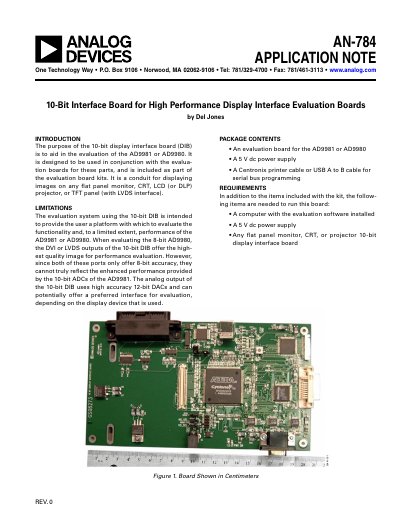
The 10-bit display interface board (DIB) is designed to aid in the evaluation of the AD9981 or AD9980 devices. It serves as a conduit for displaying images on various flat panel monitors, CRTs, or projectors by converting digital RGB data from the evaluation boards into DVI, LVDS, or analog VGA signals. The board includes an FPGA for logic functions, data demultiplexing, and color space conversion, along with high-performance DACs for analog output.
| Supported Devices | AD9981 or AD9980 |
|---|---|
| Power Input | 5 V dc |
| Max Resolution | 4096 pixels x 4096 pixels |
| DAC Type | AD9753 |
| DAC Resolution | 12-bit |
| Operating System | Windows 95 or later |
The purpose is to aid in the evaluation of the AD9981 or AD9980 devices by displaying images on flat panel monitors, CRTs, or projectors.
To select the USB port, the jumpers at W1 and W2 must be placed between Pins 2 and 3.
The software is a Visual Basic program requiring a Windows 95 or later operating system.