
EPSON ® PowerLite ® 8100i/9100i Multimedia Projector User’s Guide. WARNING: Never look into the projector lens when the lamp is turned on; the bright light can damage your eyes. Never let children look into the lens when it is on. Never open any cover on the projector, except the lamp and filter covers. Dangerous electrical voltages inside the projector can severely injure you. Except as specifically explained in this User’s Guide, do not attempt to service this product yourself. Refer all servicing to qualified service personnel. WARNING: The projector and its accessories come packaged in plastic bags. Keep plastic bags away from small children to avoid any risk of suffocation. Caution: When you replace the lamp, never touch the new lamp with your bare hands; the invisible residue left by the oil on your hands may shorten the lamp life.
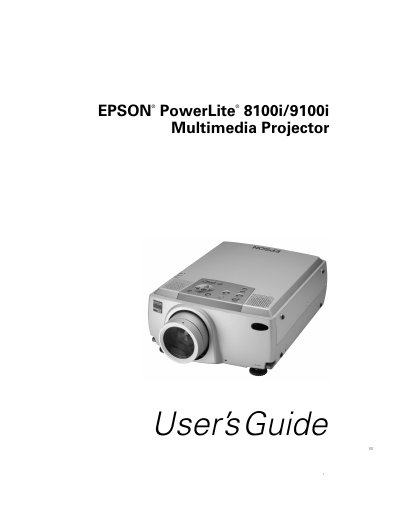
The Epson PowerLite 8100i/9100i is an ultra-bright portable projector that projects full-color images up to 3200 or 2400 ANSI lumens. It supports resolutions of 1024 x 768 pixels for the 8100i and 1280 x 1024 pixels for the 9100i, with a wide variety of video inputs including VGA, SVGA, XGA, SXGA, and UXGA. The device features built-in speakers with a 3D sound system and can connect simultaneously to four image sources.
| Resolution (8100i) | 1024 x 768 pixels |
|---|---|
| Resolution (9100i) | 1280 x 1024 pixels |
| Brightness | 3200 or 2400 ANSI lumens |
| Colors | 16,770,000 colors |
Yes, if you connect the main cable and mouse cable, you can use the remote control as a wireless mouse.
Refer to section 'What To Do If You See a Blank Screen' for troubleshooting steps.
Never touch the new lamp with your bare hands; use a cloth or glove to avoid oil residue shortening its life.