
This is a user manual for EPSON ® PowerLite ® 8100i/9100i multimedia projector, which mainly introduces product safety information, usage instructions and warranty information.
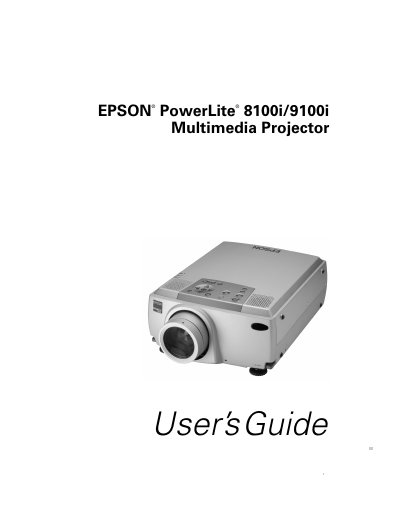
This User's Guide provides instructions for setting up and operating the Epson PowerLite 81001 and 9100i multimedia projectors. The document details how to unpack the projector, connect it to various computers and video sources, and use the remote control. It explains how to adjust the image, control sound, and utilize the built-in menus for customization.
| Resolution (PowerLite 8100i) | 1024 x 768 pixels |
|---|---|
| Resolution (PowerLite 9100i) | 1280 x 1024 pixels |
| Colors | 16,770,000 colors |
| Lumens (PowerLite 8100i) | 3200 ANSI lumens |
| Lumens (PowerLite 9100i) | 2400 ANSI lumens |
| Video Inputs | VGA, SVGA, XGA, SXGA, UXGA |
Yes, if you connect the main cable and mouse cable, you can use the remote control as a wireless mouse.
Refer to the section 'What To Do If You See a Blank Screen' in the guide for troubleshooting steps.
Never touch the new lamp with your bare hands; use a cloth or glove to handle it to avoid oil residue.