
This document is about EPSON PowerLite 8200i/9100i Multimedia Projector User’s Guide, which introduces the use, precautions and maintenance methods of the product.
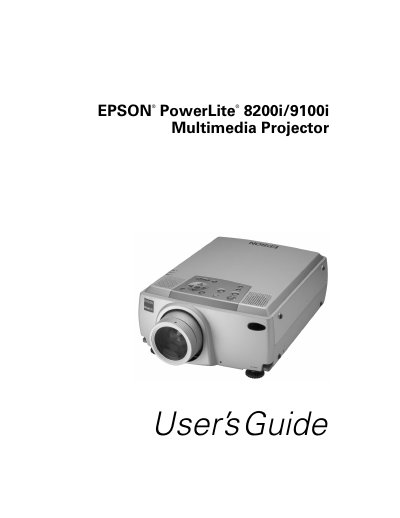
This User's Guide provides instructions for the Epson PowerLite 8200i and 9100i multimedia projectors. It details how to set up the projector, connect various computer and video sources, and operate the device using the control panel or remote control. The guide explains how to adjust the image, including focus, zoom, and keystone correction, as well as how to use the built-in menus for sound and display settings.
| Brightness (PowerLite 8200i) | 3500 ANSI lumens |
|---|---|
| Resolution (PowerLite 8200i) | 1024 x 768 pixels |
| Resolution (PowerLite 9100i) | 1280 x 1024 pixels |
| Colors | 16,770,000 colors |
| Video Inputs | up to 1600 x 1200 |
No, never look into the projector lens when the lamp is turned on, as the bright light can damage your eyes.
Never touch the new lamp with your bare hands; use a cloth or glove to handle it to avoid shortening the lamp life.
The projector supports HDTV, NTSC, PAL, or SECAM video formats.