
This document is the user's guide for the EPSON PowerLite 8200i/9100i multimedia projector. The document emphasizes the safety precautions when using the projector, such as not looking into the projector lens and keeping children away from it. It also mentions the importance of not touching the new lamp with bare hands when replacing it to avoid shortening the lamp life.
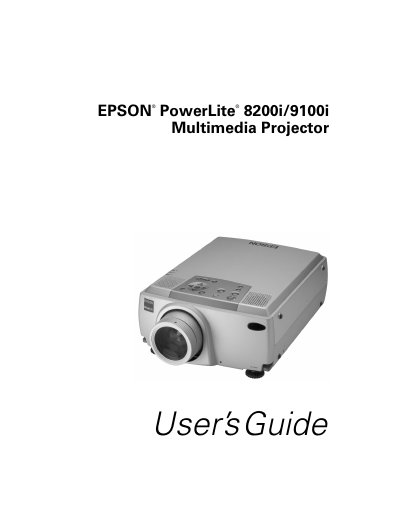
The Epson PowerLite 8200i and 9100i are ultra-bright, portable multimedia projectors designed to project brilliant, full-color images and video onto a large screen. The PowerLite 8200i offers up to 3500 ANSI lumens, while the PowerLite 9100i provides up to 2400 lumens, ensuring clear visibility even with room lights on. Both models support high resolutions, with the 8200i reaching 1024 x 768 pixels and the 9100i reaching 1280 x 1024 pixels, utilizing a patented SizeWise chip for compatibility with various computer outputs including VGA, SVGA, XGA, SXGA, and UXGA.
| Brightness (PowerLite 8200i) | 3500 ANSI lumens |
|---|---|
| Resolution (PowerLite 8200i) | 1024 x 768 pixels |
| Resolution (PowerLite 9100i) | 1280 x 1024 pixels |
| Colors | 16,770,000 colors |
| Video Inputs | Up to four sources |
Yes, if you connect the main cable and mouse cable, you can use the remote control as a wireless mouse.
Refer to the section 'What To Do If You See a Blank Screen' in the manual for troubleshooting steps.
Never touch the new lamp with your bare hands; use a cloth or glove to handle it to avoid oil residue shortening lamp life.