
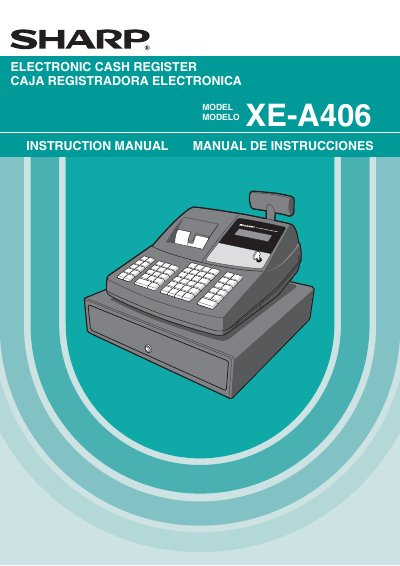
The Sharp XE-A406 is an electronic cash register featuring a receipt/journal dual station thermal printer, an SD card slot for data storage, and a customer display. The device includes a built-in memory protection circuit with rechargeable batteries and requires a 120V AC power supply. It supports various sales entry functions, including basic sales, item entries, tax calculations, and auxiliary features like discounts and refunds. The register can be operated in different modes controlled by a mode switch, including REG for sales entry, PGM for programming, and VOID for corrections after finalizing a transaction. It also supports training mode for new operators and allows for the storage and retrieval of sales data via an SD memory card.
| Power Supply | 120V AC ±10% |
|---|---|
| Printer Type | Receipt/journal dual station type thermal printer |
| Memory Protection | Built-in memory protection circuit with rechargeable batteries |
| Battery Recharge Time | 24 to 48 hours |
You must initialize the cash register before starting to operate it to prevent distorted memory contents and malfunctions.
Install the register in a location that is not subject to direct radiation, unusual temperature changes, high humidity or exposed to water sources.
Call 1-800-BE-SHARP for service; do not try to repair the register yourself.