
This is an instruction manual for XE-A401 electronic cash register, which explains how to use the cash register and how to browse the document using Acrobat Reader.
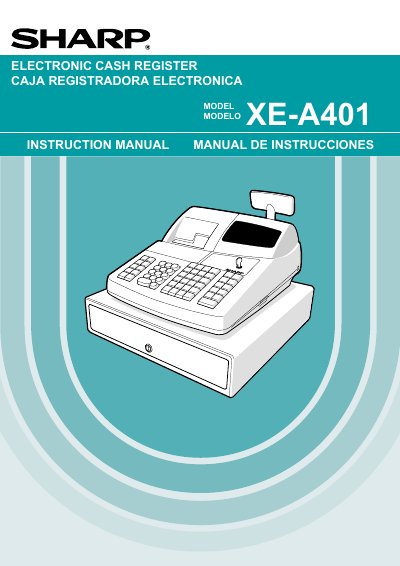
The document serves as a comprehensive instruction manual for the Sharp XE-A401 electronic cash register. It covers essential topics including an overview of daily sales entry flows, basic operations such as item entries and tax calculations, and advanced programming features like department setup and PLU (Price Look-Up) configuration.
Additionally, the guide details operator maintenance tasks, troubleshooting for power failures or printer errors, and procedures for replacing paper rolls. It includes specific sections for both operators and managers regarding report generation and override entries.
| Printer Type | Receipt/Journal Dual Station Thermal Printer |
|---|---|
| Ink Requirement | No ink ribbon or cartridge required |
To lock the drawer, turn the key 90 degrees counterclockwise. To unlock it, turn the key 90 degrees clockwise.
The power save mark (decimal point) lights up on the operator display.