
This document is an instruction manual for the SHARP Electronic Cash Register, Model XE-A22S. It provides information about the compliance and operation precautions of the product.
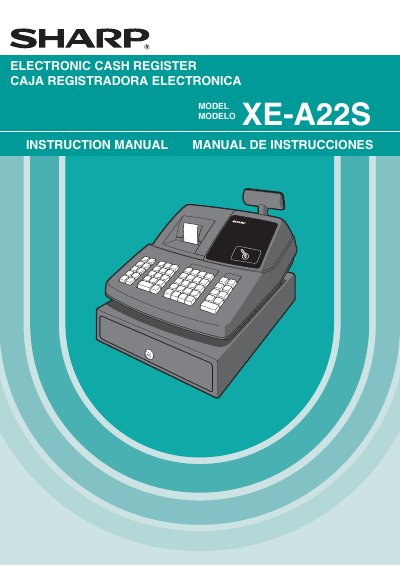
This document is the official instruction manual for the Sharp XE-A22S Electronic Cash Register. It serves as a guide for both operators and managers, detailing the setup, daily sales entry procedures, and transaction finalization processes. The manual includes specific instructions for using the keyboard, managing the drawer, and handling the thermal printer.
The guide also covers advanced programming features such as tax rate configuration, department programming, and PLU (Price Look-Up) setup. Additionally, it provides troubleshooting steps for common issues like paper jams, printer errors, and power failures, along with specifications for battery installation and maintenance.
| Power Requirement | 120V AC 410% |
|---|---|
| Battery Type | three alkaline batteries LR6 |
| Printer Type | one station type thermal printer |
Batteries should never be installed before initializing the cash register to prevent distorted memory contents and malfunction.
Users should call the customer service hotline at 1-800-BE-SHARP and should not attempt to repair the register themselves.
The register should be cleaned using a dry, soft cloth, and solvents such as benzine or thinner must never be used.