
The Extech 461960 RPM Controller/Monitor is a professional tachometer monitor and controller. It features a built-in control relay and alarm relay, which close when the measured value reaches the high or low alarm value and control value, respectively. It also has hysteresis value setting for control and alarm function, settable number of input pulses per revolution, and settable roller diameter for the surface speed function. It works with the optional proximity or photo sensor, has a large easy-to-read red LED display, RS232 computer interface for use with optional software, and a microprocessor circuit for high accuracy and special functions. Optional data acquisition software is also available.
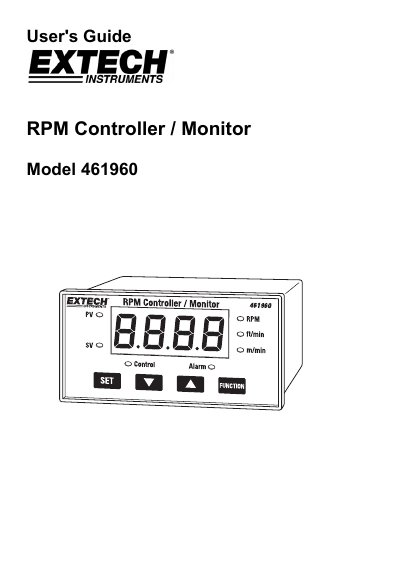
The Extech 461960 is a professional tachometer and monitor that measures RPM, surface speed (m/min, ft/min), and provides control and alarm relay outputs. It features a built-in microprocessor for high accuracy and includes an RS232 computer interface for use with optional software. The device operates with optional proximity or photo sensors and displays values on a large red LED screen.
The manual details how to configure the meter for various measurement functions, including setting pulses per revolution, roller diameter, and hysteresis values for control and alarm relays. It also provides specifications for the included optional 461955 Proximity Sensor and 461957 Photo Sensor, along with safety procedures and warranty information.
| Input Power | 90 to 260 ACV |
|---|---|
| Display | 96 X 48 mm |
| Operating Temperature | -20 to 70 °C |
| Operating Humidity | 35 to 95% RH |
| Altitude | up to 2000 meters |
Power on the meter and press and hold the 'Set' and 'Function' buttons simultaneously for more than 5 seconds until the display shows 'rSt'.
The instrument should not exceed a 0.5A relay contact load for resistive loads.
The 461955 Proximity Sensor requires an operating voltage of 10-30 VDC.