
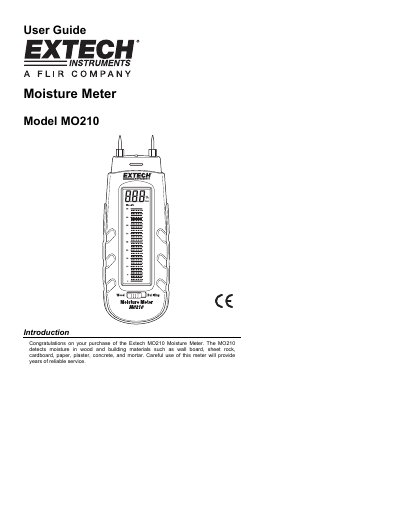
The Extech MO210 Moisture Meter is designed to detect moisture in wood and building materials such as wall board, sheet rock, cardboard, paper, plaster, concrete, and mortar. It features a dual measurement scale LCD with bargraph metering and operates on an electrical resistance principle.
| Measurement principle | Electrical resistance |
|---|---|
| Wood moisture range | 6 to 44% |
| Building materials range | 0.2 to 2.4% |
| Electrode length | 0.3" (8mm) |
| Power supply | Three (3) CR-2032 button cells |
| Operating Temperature | 0 to 40 o C (32 to 104 o F) |
| Dimensions | 130 x 40 x 25mm (5.1 x 1.6 x 1.0") |
| Weight | 100g. (3.5 oz) |
The meter should read 27% ±2% when the electrode pins touch the test points labeled 'T'.
The meter should read greater than 44% on the wood moisture scale when testing the batteries.
The meter automatically shuts off after approximately 15 minutes when the cap is left off.